From an inspection photo to an actual PDF report
This demonstration links a photo and a short note to one item. Below are pages generated by the Turnvero PDF exporter and the downloadable file. The property names and interior are demonstration material, not a record of a real stay.
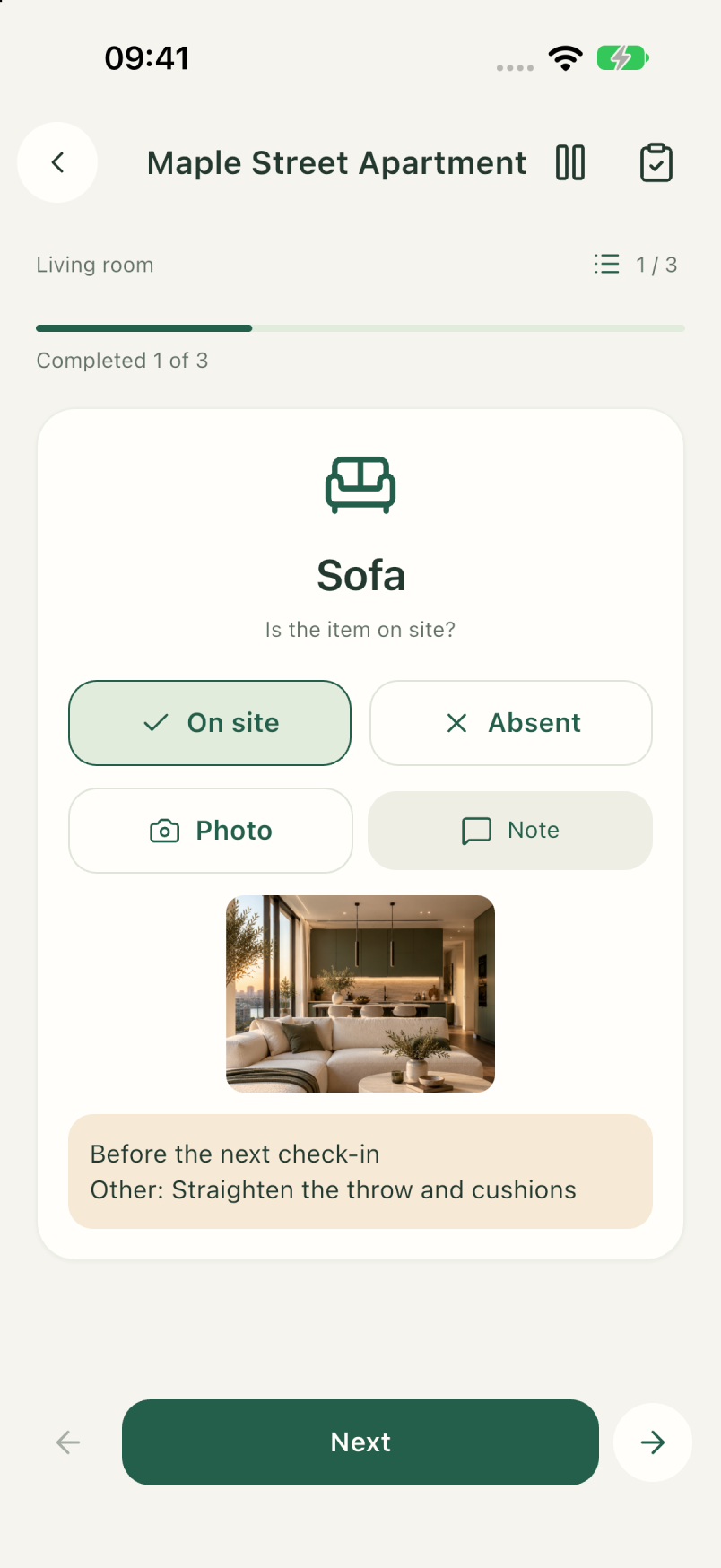
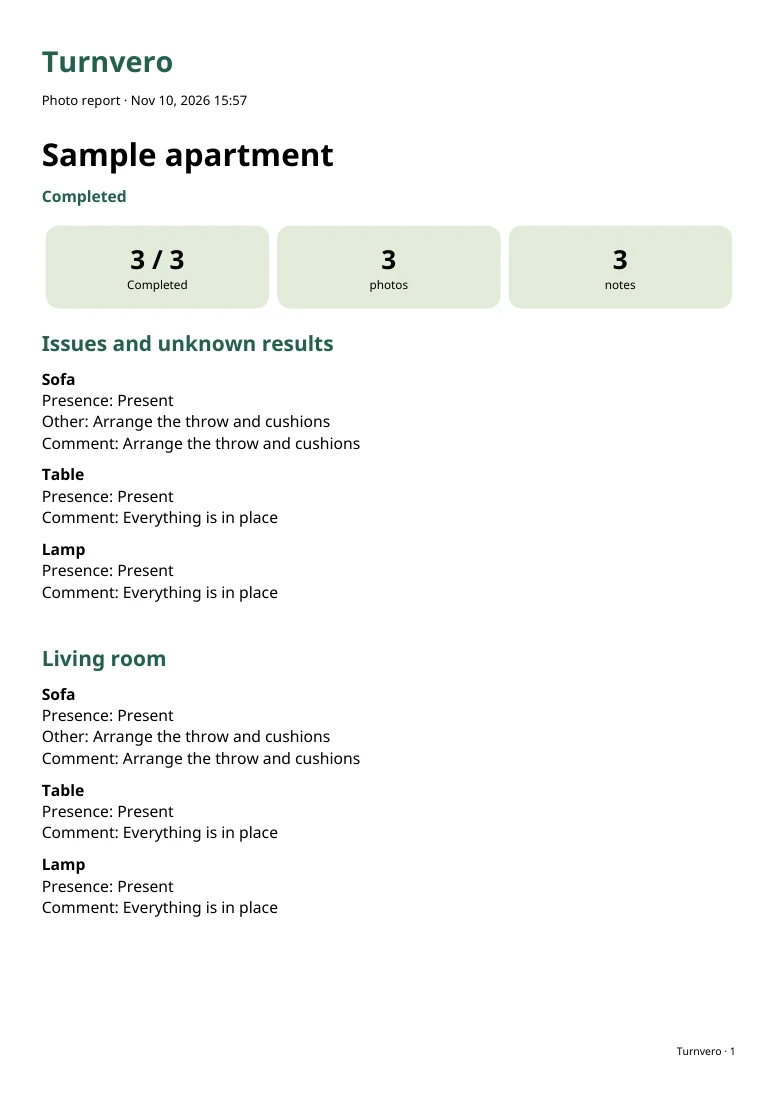
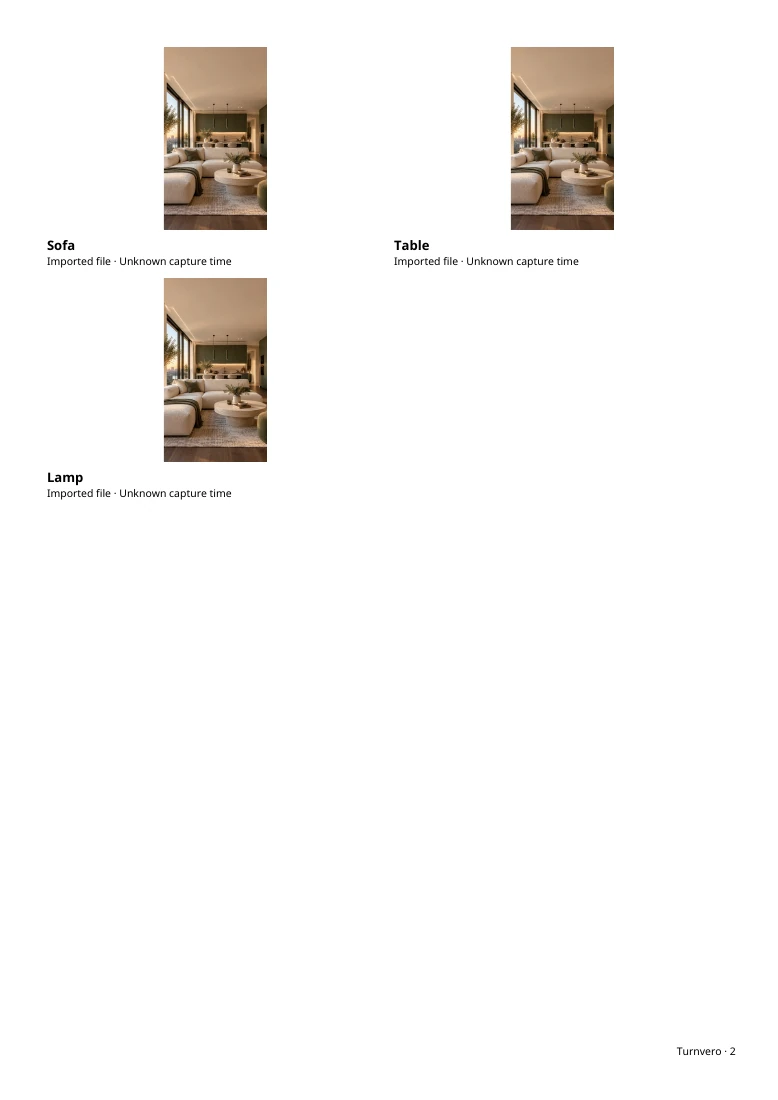
Set the context for the visit
Choose the right apartment and keep records for separate visits distinct. Use stable room and item names. State why you are checking the property: before arrival, after departure or after a clean. A photo of a sink is easier to understand when the record tells the reader which sink and which visit.
Capture overview and detail
- Take a room overview when it helps locate the item.
- For a visible issue, add a close image with enough surrounding detail to identify it.
- Use clear lighting and check that the photo is sharp before leaving.
- Describe what you can observe; do not guess at a cause you cannot verify.
- Keep unrelated images and personal information out of the report.
Attach the note to the item
A short description should say where the observation is and what is visible. Avoid relying on a filename alone. If you select an existing photo, make sure it belongs to this visit; an imported image is not proof it was taken during the inspection. A document should not imply more certainty than its contents support.
Review the report before sending it
Check room order, photo placement, missing observations and any checkpoints left incomplete. Open the exported PDF and look at several pages, not just its filename. Check that text and images are legible and the document contains the intended apartment and visit. Do not share addresses, faces or other personal material with unnecessary recipients.
Save a separate readable copy
In Turnvero, open the inspection result and choose PDF export. Use the iPhone sharing menu to save to Files or choose a recipient. Use a clear name and keep versions from different visits separate. External mail or cloud services are your chosen destinations, not Turnvero’s inspection storage.
Understand what the export does not do
A PDF is not an editable replacement for the app database or a complete backup of original photos. Report images may be reduced in size. A report also does not certify a timestamp, establish liability or guarantee acceptance in a dispute. Keep the app data and your device backup separately when you need to retain the underlying records.
Put the checklist into practice.
Keep rooms, photos and notes together in Turnvero, then save your inspection as a PDF.

Free for iPhone. Availability depends on your App Store country.