Support centre
Here to help.
Apartments, checklists, photos and PDF reports on your iPhone. Find answers and get in touch with support.
turnvero.support@gmail.com
Less hassle. More clarity.

Inspections stay on your device
Records and photos are not uploaded to a Turnvero server.
You choose what to share
You decide where to save a PDF and who receives it.
You choose whether to send
The operator receives only what you send by email.
01Do I need an account or internet access?
No. Core features in this edition work locally without an account or cloud sync. External services need internet access if you choose to send email or save a file to cloud storage.
02How do I start an inspection?
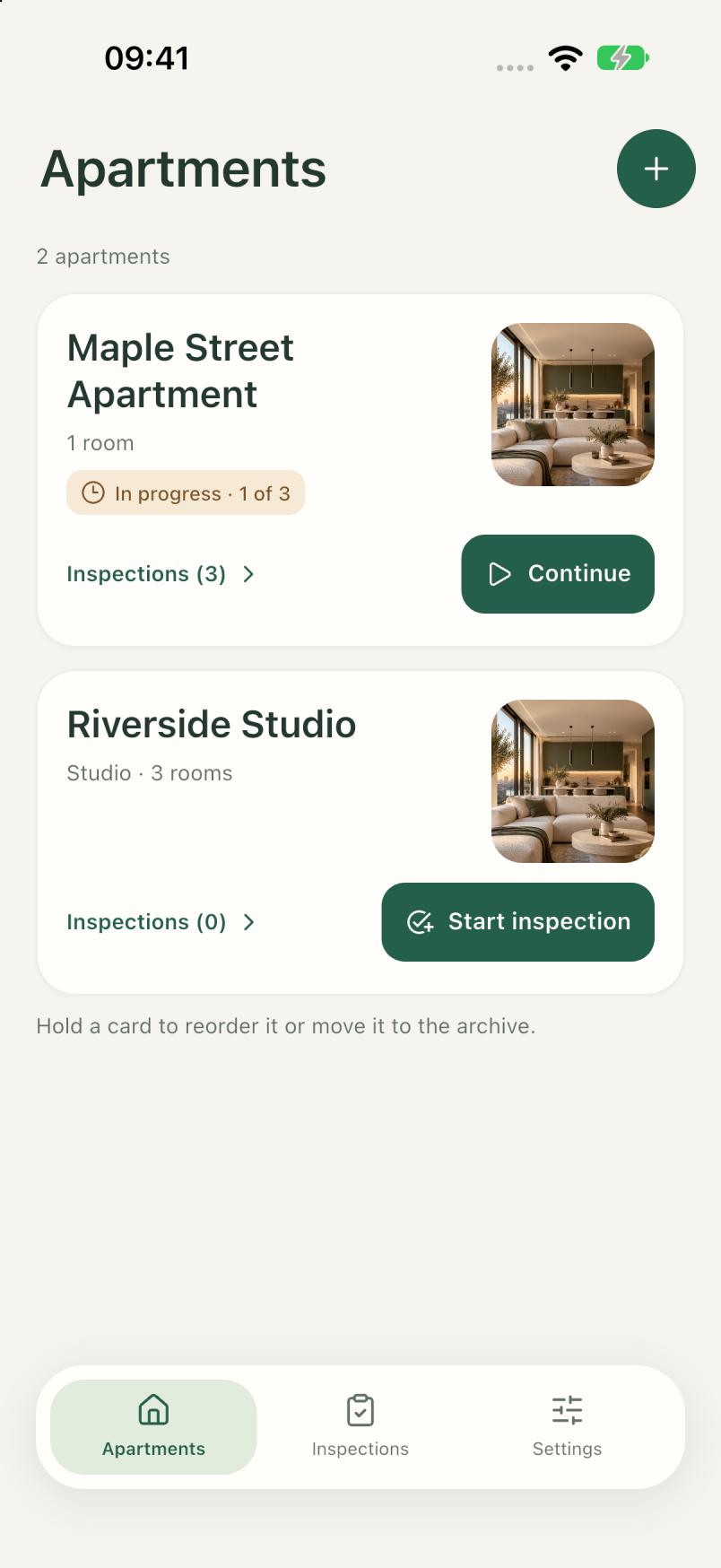
Add an apartment, choose or edit a checklist and start an inspection. Record the result for each item, add photos and notes as needed. The result is kept in history.
03How do the camera and photo picker work?
The camera opens at your request. The system picker lets you select individual photos without granting access to your entire library. Cancelling adds no photo; camera permission can be changed in iPhone settings.
04How do I save a PDF?
Open the result of a completed inspection, including one ended early, and choose PDF export. Use the system menu to save to Files or share with a selected recipient. A PDF is a readable report, not an app backup; its photos may be reduced in size.
05Where is my data, and can it be restored?
Record content and photos are encrypted on your device; the matching key is stored in the system’s protected storage. Turnvero keeps no server copy. Restoration needs both the materials and their key; the database alone is not enough. Check your backup before deleting the app or replacing your device.
06What if the app cannot open my records?
Do not delete the app or erase its data. Restart it, check available storage and updates, then contact support. The operator cannot recover a lost encryption key.
07Does archiving erase an apartment or its history?
No. Archiving retains the apartment and history. Saved or shared PDFs are separate copies; changes in the app do not delete copies in Files, email or recipients’ storage.
08Is paid teamwork available?
Team sync and paid services are not active in this edition. The teamwork section describes planned features and indicative prices; an email enquiry does not create a payment, subscription or commitment.
09How do I change language?
Open Settings → Language or follow the system language. Russian, English, Spanish, German, Portuguese and French are available. This edition is prepared for iPhone.
Need a hand?
Include your Turnvero and iOS versions, iPhone model and the steps that led to the issue. A screenshot is optional: hide addresses, faces and other personal details first. Do not send encryption keys, passwords or your entire app database.
What to include in your email
- App version
- iPhone model
- What happened